What Is vSeeBox and How Does It Work?
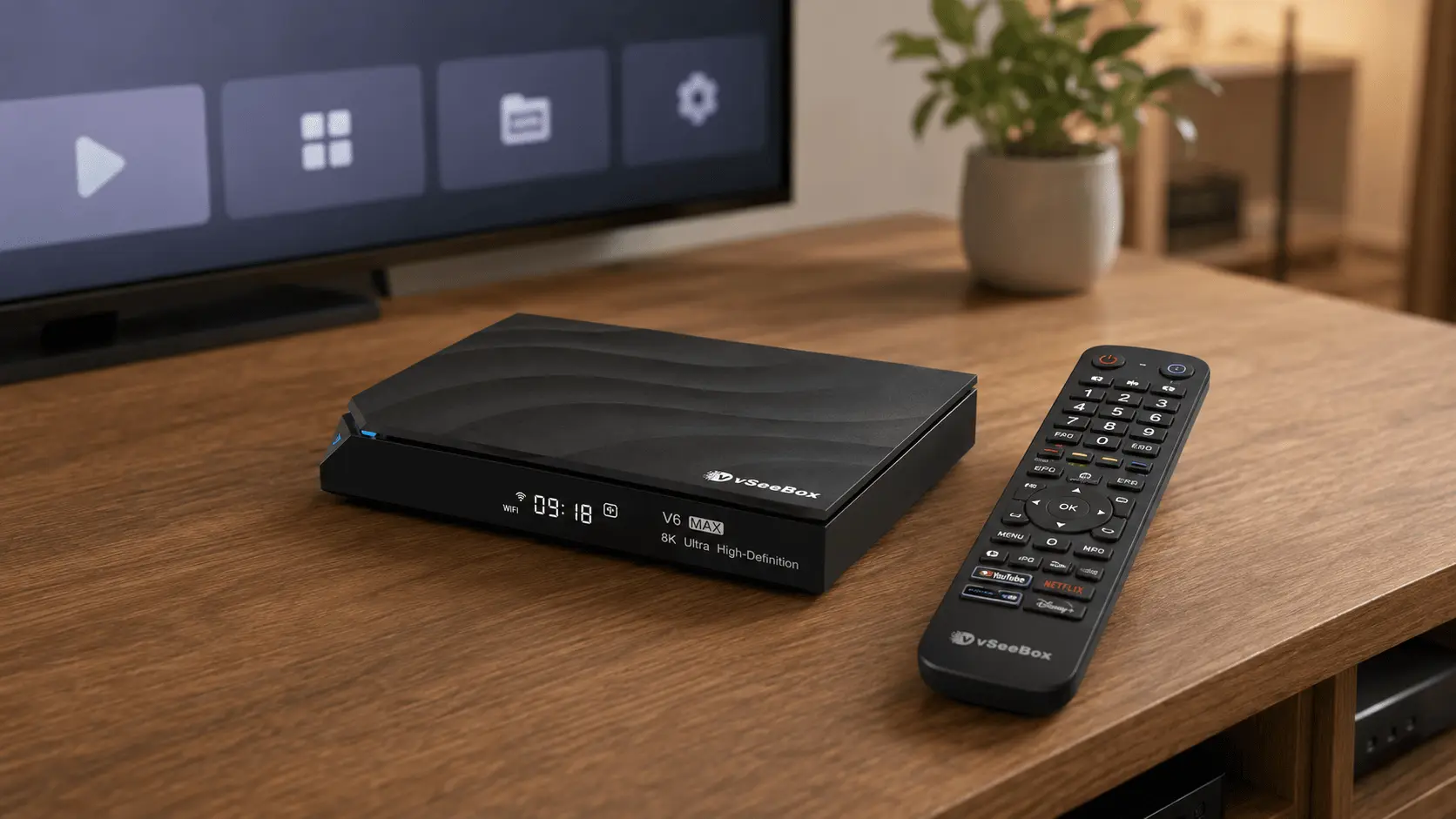
What is vSeeBox? vSeeBox is an Android-powered streaming media device that connects to your television and home internet connection, giving you a simple way to use compatible apps, online services, and digital media from your TV.
Think of it as a compact media device that adds an Android-based entertainment interface to your television. Once connected, you can navigate the device with the included remote, adjust your settings, connect compatible accessories, and access apps and services available for the device.
Important: vSeeBox Official sells physical streaming devices and related accessories. We do not provide, distribute, host, or facilitate access to unlicensed or unauthorized content. Users should only access apps, services, and content they are authorized to use.
How Does a vSeeBox Work?
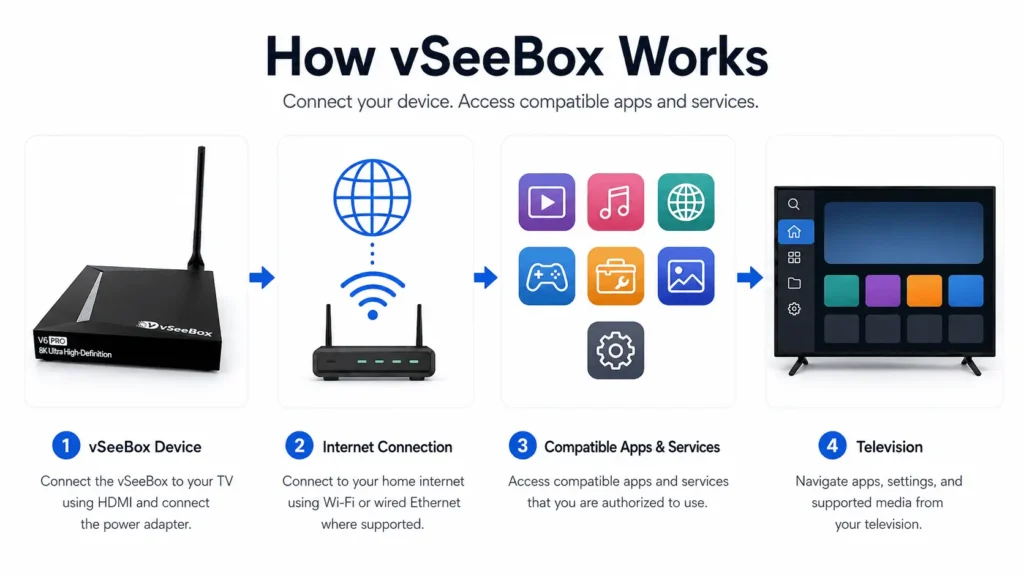
Using a vSeeBox is straightforward:
- Connect the vSeeBox to your TV using the supplied HDMI cable.
- Connect the power adapter and turn on the device.
- Connect to the internet through Wi-Fi or Ethernet, depending on your model and setup.
- Use the included remote to navigate the device.
- Access compatible apps and services that you are authorized to use.
The vSeeBox handles the processing, interface, connectivity, and media playback while your television acts as the display.
What Can You Use a vSeeBox For?
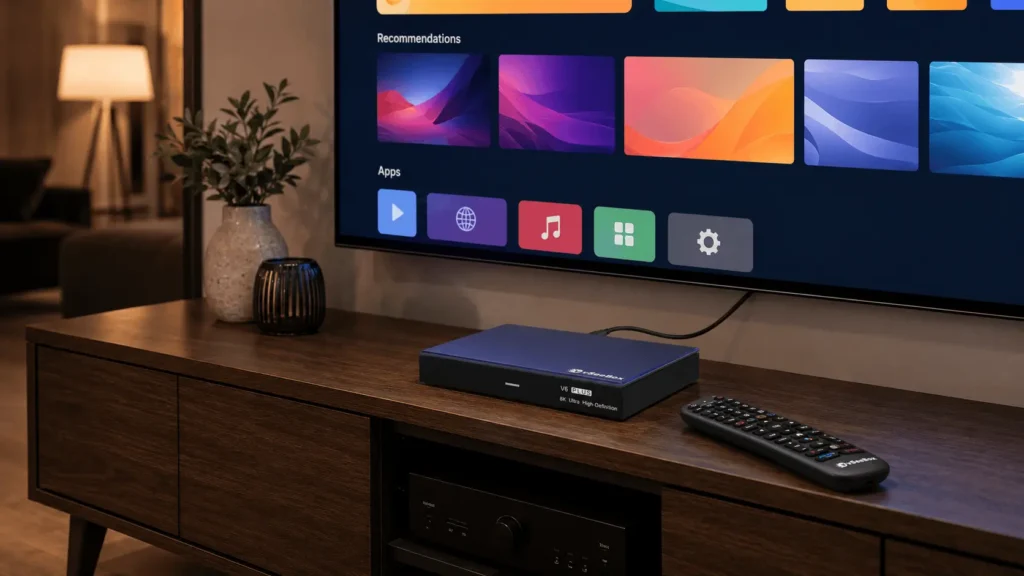
vSeeBox is designed to make accessing digital entertainment and media from your television simple and convenient.
Depending on the model, features can include:
- Android-powered operation
- Wi-Fi connectivity
- Wired Ethernet connectivity
- Bluetooth support
- High-resolution video output
- Voice remote functionality
- Internal storage for supported apps and device data
- Software and firmware updates
- Additional model-specific features
Features vary between vSeeBox models, so it is a good idea to compare models before choosing the best option for your household.
Need Help Choosing a Model?
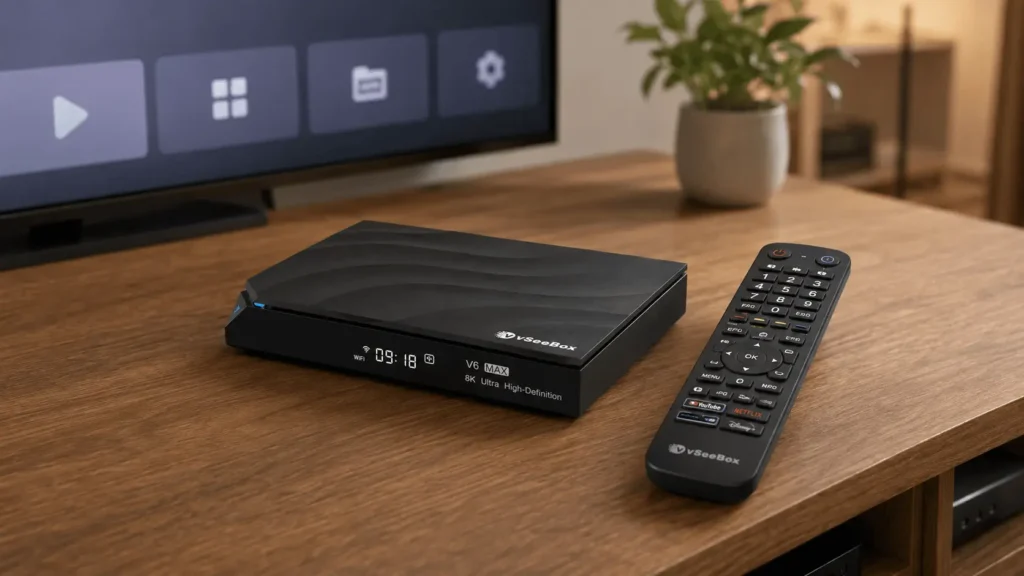
See our How to Choose the Right vSeeBox Model guide for a side-by-side explanation of the current models and their hardware features.
Does vSeeBox Provide Streaming Services or Content?
vSeeBox is a physical streaming media device. It provides the hardware and software environment used to access compatible apps and digital services.
Third-party apps and services are operated independently and may have their own availability, account requirements, subscriptions, geographic restrictions, terms of service, or other requirements.
Purchasing a vSeeBox does not grant rights to content that would otherwise require permission, an account, or a subscription from a third-party provider.
vSeeBox Official does not provide, distribute, host, sell, or facilitate access to unauthorized or unlicensed content.
Users are responsible for ensuring that the apps, services, and content they access are authorized for their use.
Are There Monthly Fees for the vSeeBox Device?
vSeeBox Official does not charge a recurring monthly fee simply to own and operate the physical vSeeBox device.
However, third-party apps and services are separate from the device. Some may be free, while others may require their own account, purchase, or subscription.
Any charges, subscriptions, or account requirements imposed by a third-party provider are separate from your purchase from vSeeBox Official.
What Do I Need to Use a vSeeBox?
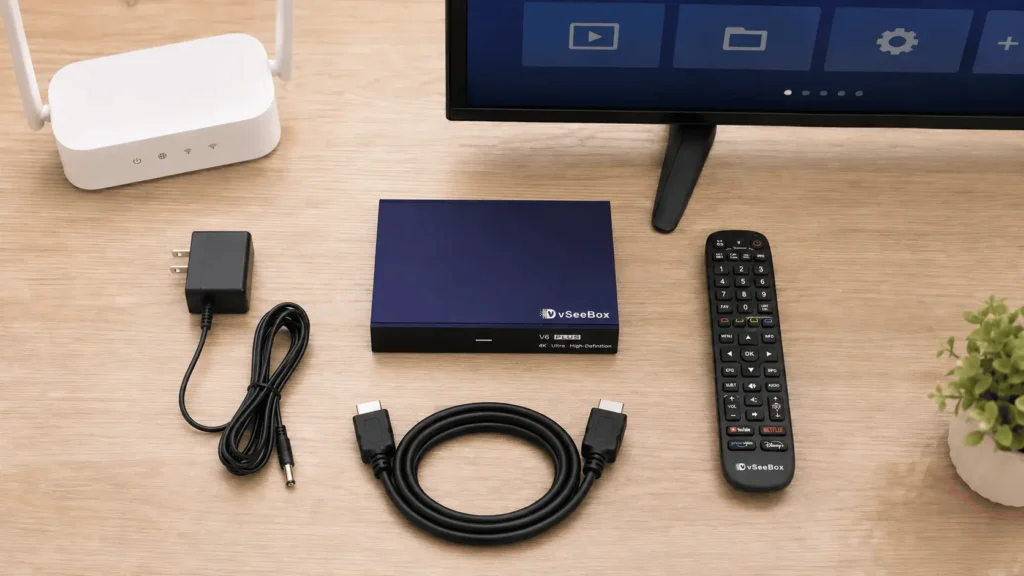
For a typical setup, you will need:
- A compatible television or display with an HDMI connection
- A reliable internet connection
- A power outlet
- Your vSeeBox and included accessories
- Any accounts or authorization required by the third-party apps or services you choose to use
You do not need to be particularly tech-savvy. The basic hardware setup consists of connecting the device to your television, power, and internet.
Is vSeeBox the Same as a Smart TV?
Not exactly.
A smart TV has its operating system and streaming features built directly into the television. A vSeeBox is a separate media device that connects to your television through HDMI.
This means the vSeeBox has its own interface, processor, storage, connectivity, remote, and software environment rather than relying entirely on the smart features built into your television.
It can therefore also be used with many TVs where the built-in interface is older, slower, or simply not the user’s preferred way to access compatible apps and services.
Which vSeeBox Model Should I Choose?
Different vSeeBox models offer different combinations of storage, hardware, remote features, connectivity, and other capabilities.
If you’re deciding between models, start with our:
→ How to Choose the Right vSeeBox Model
You can also read:
→ vSeeBox V6 Pro vs V6 Max vs V6 Plus
Ready to Set Up Your vSeeBox?
If you already have your device, our step-by-step setup guide will walk you through connecting the hardware, selecting the correct TV input, connecting to the internet, and getting your remote ready.
→ vSeeBox Setup Guide
Third-Party Services Notice
vSeeBox is a physical streaming media device. Third-party applications, services, and content providers operate independently from vSeeBox Official and may impose their own availability, authorization, account, purchase, or subscription requirements. vSeeBox Official does not provide or facilitate access to unauthorized or unlicensed content.